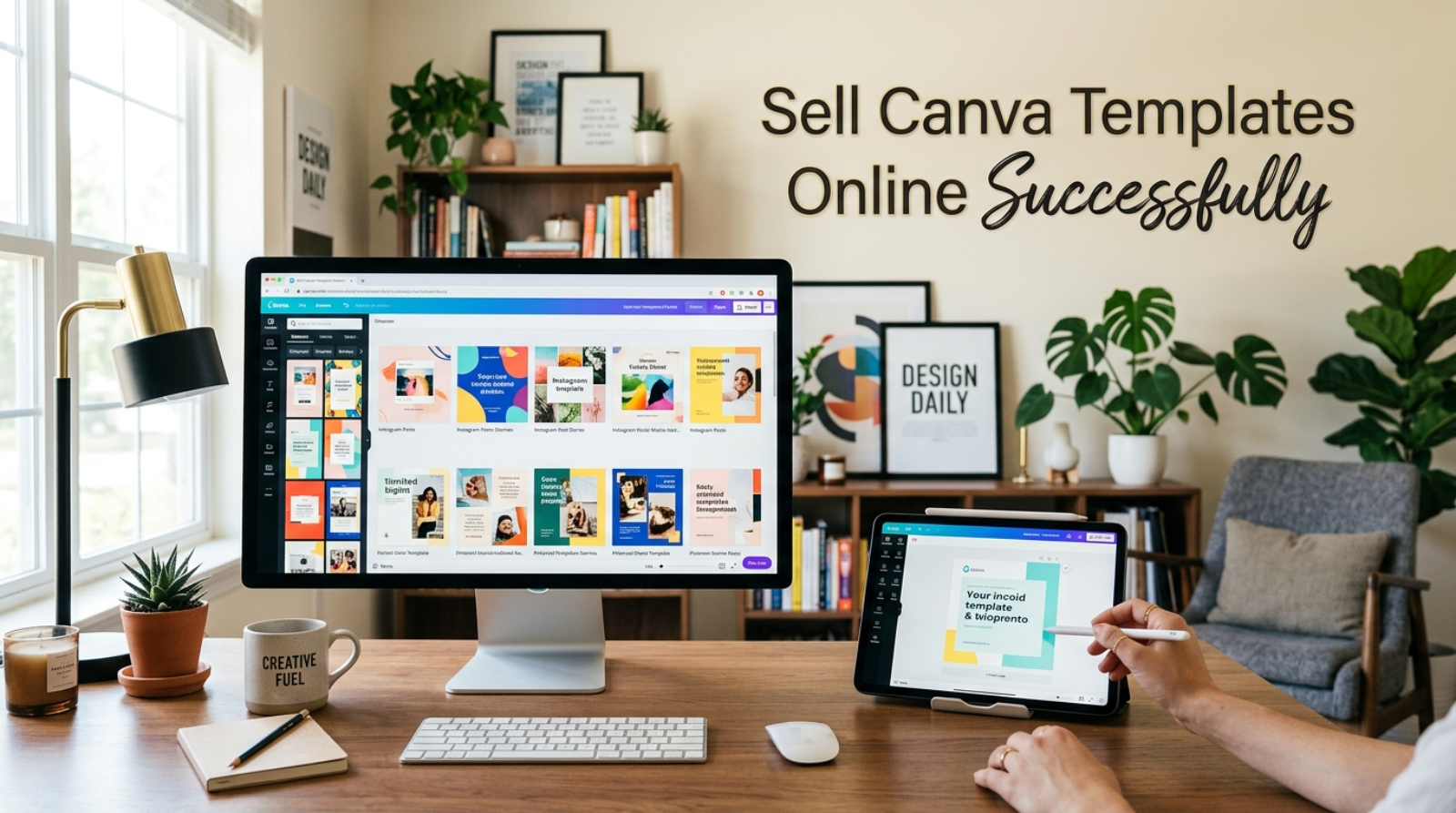
Sell Canva templates online to turn simple designs into a digital product that can earn money long after you create it. If you’re searching for a side hustle that doesn’t require shipping products or managing inventory, selling templates is a practical place to begin. One well-designed template can continue generating sales while you focus on creating your next product.
Our site also includes a convenient Copy Button that lets you instantly copy and share your favorite tip with one click. Save helpful ideas for later or send them to a friend looking for an affordable online side hustle. Furthermore, sharing practical advice helps more beginners avoid common mistakes and start with confidence.
Sell Canva Templates Online: What This Side Hustle Is
Sell Canva templates online by creating editable designs that customers can personalize for their own needs. Instead of making a custom design for every buyer, you create one reusable template that many people can purchase.
Popular template categories include:
- Social media posts
- Instagram story packs
- Pinterest pins
- Business flyers
- Resume templates
- Planners
- Calendars
- Wedding invitations
- Budget trackers
- Presentation slides
Customers appreciate templates because they save time and look professional without requiring advanced design skills.
Why This Side Hustle Is Relevant in 2026
Businesses, creators, and small brands continue searching for ready-made designs that simplify everyday work.
Similarly, content creators need fresh graphics almost every day. Purchasing editable templates is often faster and more affordable than hiring a designer for every project.
Some advantages include:
- Low startup costs
- Flexible schedule
- No physical inventory
- Worldwide customer base
- Passive sales potential
- Unlimited product ideas
Furthermore, each new template expands your digital storefront and increases your chances of making repeat sales.
What You Need to Get Started
Most beginners already have the essentials.
Basic Tools
You’ll need:
- Laptop or desktop computer
- Reliable internet connection
- Canva account
- Email address
- Cloud storage
- Simple file organization system
Many successful sellers begin with free tools before investing in premium resources.
Helpful Skills
Improve these abilities over time:
- Basic graphic design
- Color matching
- Typography
- Organization
- Creativity
- Customer communication
Practice naturally improves your designs with every new project.
Startup Budget
You can begin with very little upfront cost.
Focus on learning design principles and creating quality products before purchasing premium graphics or subscriptions.
Choosing Your First Template
Start with one category instead of trying to design everything.
For example, if you enjoy business content, create social media templates. If planning is your strength, design printable planners or budget trackers. Building a focused collection helps you establish a recognizable style and attract loyal buyers.
Step-by-Step Guide to Sell Canva Templates Online
Building a successful template shop takes consistency more than complicated design skills.
Step 1: Pick a Profitable Niche
Start with one category instead of creating random designs.
Popular niches include:
- Small business templates
- Real estate marketing
- Fitness planners
- Wedding invitations
- Teacher resources
- Budget planners
- Social media kits
- Resume templates
- Business presentations
- Event flyers
A focused niche helps customers recognize your store and makes future product ideas easier.
Step 2: Research Popular Designs
Browse online marketplaces to discover what buyers frequently purchase.
Pay attention to colors, layouts, fonts, and design styles. Furthermore, notice gaps where you can create something more useful instead of copying existing products.
Step 3: Create High-Quality Templates
Keep every design clean, organized, and easy to edit.
Use consistent spacing, readable fonts, and simple color palettes. Test each template before listing it to ensure every element works correctly.
Step 4: Build Attractive Product Listings
Good listings increase clicks and sales.
Include:
- Clear preview images
- Helpful product descriptions
- Template dimensions
- Editing instructions
- What buyers receive
Professional previews help customers understand exactly what they’re purchasing.
Step 5: Publish and Promote
Upload your templates to trusted digital marketplaces or your own online store.
Similarly, share previews on Pinterest, Instagram, and other social platforms where potential buyers look for design inspiration.
Step 6: Improve Your Collection
Successful sellers rarely stop after one product.
Continue adding related templates so customers can purchase matching collections instead of individual designs.
Realistic Earning Range
Your earnings depend on product quality, marketing, customer demand, and the size of your template library.
Honest Income Expectations
| Experience Level | Estimated Monthly Income |
|---|---|
| Beginner | $100–$500 |
| Growing Seller | $500–$2,000 |
| Established Shop | $2,000–$6,000+ |
These estimates aren’t guaranteed. Consistent publishing, attractive designs, and positive customer reviews usually lead to better long-term results.
Common Beginner Mistakes and Why They Happen
Avoiding common mistakes saves both time and frustration.
Creating Too Many Different Products
Many beginners jump between unrelated niches.
Instead, build a complete collection around one audience before expanding.
Ignoring Customer Needs
Design what people actually want instead of only creating personal favorites.
Research trends regularly and listen to customer feedback.
Using Difficult Layouts
Complex templates often confuse buyers.
Simple, organized designs provide a better editing experience.
Forgetting Product Instructions
Customers appreciate clear guidance.
Include easy-to-follow instructions so buyers can customize templates without unnecessary frustration.
Giving Up Too Soon
Digital products often need time to gain visibility.
Keep publishing new designs while improving existing listings.
Pro Tips and Shortcuts
Small improvements can make a noticeable difference over time.
Create Matching Template Bundles
Bundle related products together.
Customers often prefer buying coordinated collections instead of individual templates.
Reuse Successful Design Styles
A popular layout can inspire several new products.
Change colors, themes, and content while maintaining a familiar style.
Organize Your Design Files
Create folders for fonts, graphics, previews, and completed templates.
Consequently, updating older products becomes much faster.
Keep Learning From Buyers
Read reviews carefully.
Customer feedback often reveals ideas for your next best-selling template.
Step-by-Step Guide to Sell Canva Templates Online
Building a successful template shop takes consistency more than complicated design skills.
Step 1: Pick a Profitable Niche
Start with one category instead of creating random designs.
Popular niches include:
- Small business templates
- Real estate marketing
- Fitness planners
- Wedding invitations
- Teacher resources
- Budget planners
- Social media kits
- Resume templates
- Business presentations
- Event flyers
A focused niche helps customers recognize your store and makes future product ideas easier.
Step 2: Research Popular Designs
Browse online marketplaces to discover what buyers frequently purchase.
Pay attention to colors, layouts, fonts, and design styles. Furthermore, notice gaps where you can create something more useful instead of copying existing products.
Step 3: Create High-Quality Templates
Keep every design clean, organized, and easy to edit.
Use consistent spacing, readable fonts, and simple color palettes. Test each template before listing it to ensure every element works correctly.
Step 4: Build Attractive Product Listings
Good listings increase clicks and sales.
Include:
- Clear preview images
- Helpful product descriptions
- Template dimensions
- Editing instructions
- What buyers receive
Professional previews help customers understand exactly what they’re purchasing.
Step 5: Publish and Promote
Upload your templates to trusted digital marketplaces or your own online store.
Similarly, share previews on Pinterest, Instagram, and other social platforms where potential buyers look for design inspiration.
Step 6: Improve Your Collection
Successful sellers rarely stop after one product.
Continue adding related templates so customers can purchase matching collections instead of individual designs.
Realistic Earning Range
Your earnings depend on product quality, marketing, customer demand, and the size of your template library.
Honest Income Expectations
| Experience Level | Estimated Monthly Income |
|---|---|
| Beginner | $100–$500 |
| Growing Seller | $500–$2,000 |
| Established Shop | $2,000–$6,000+ |
These estimates aren’t guaranteed. Consistent publishing, attractive designs, and positive customer reviews usually lead to better long-term results.
Common Beginner Mistakes and Why They Happen
Avoiding common mistakes saves both time and frustration.
Creating Too Many Different Products
Many beginners jump between unrelated niches.
Instead, build a complete collection around one audience before expanding.
Ignoring Customer Needs
Design what people actually want instead of only creating personal favorites.
Research trends regularly and listen to customer feedback.
Using Difficult Layouts
Complex templates often confuse buyers.
Simple, organized designs provide a better editing experience.
Forgetting Product Instructions
Customers appreciate clear guidance.
Include easy-to-follow instructions so buyers can customize templates without unnecessary frustration.
Giving Up Too Soon
Digital products often need time to gain visibility.
Keep publishing new designs while improving existing listings.
Pro Tips and Shortcuts
Small improvements can make a noticeable difference over time.
Create Matching Template Bundles
Bundle related products together.
Customers often prefer buying coordinated collections instead of individual templates.
Reuse Successful Design Styles
A popular layout can inspire several new products.
Change colors, themes, and content while maintaining a familiar style.
Organize Your Design Files
Create folders for fonts, graphics, previews, and completed templates.
Consequently, updating older products becomes much faster.
Keep Learning From Buyers
Read reviews carefully.
Customer feedback often reveals ideas for your next best-selling template.
Frequently Asked Questions
Can beginners sell Canva templates online?
Yes. Beginners can start by creating simple, useful templates for a specific audience. Focus on clean designs, test every template before listing it, and improve your collection with each new product.
Where can I sell Canva templates online?
Many creators sell templates through digital marketplaces or their own online stores. Choose a platform that matches your audience, then create professional product listings with clear preview images and detailed descriptions.
How much can I realistically earn?
Income varies based on design quality, marketing, product demand, and the size of your template library. Most beginners earn modest side income first, while established sellers with larger collections often generate more consistent monthly sales.
How many templates should I create before launching?
There’s no perfect number, but launching with 10 to 20 high-quality templates gives buyers more options and makes your shop look more complete. Continue adding new products regularly to increase your chances of repeat sales.
Conclusion
Sell Canva templates online if you want a flexible side hustle that lets you create digital products once and sell them repeatedly. Building a successful shop takes patience, thoughtful design, and a commitment to improving your products over time.
Stay focused on solving real customer problems with clean, easy-to-edit templates instead of chasing every design trend. A growing collection, positive reviews, and consistent publishing can help you build a dependable source of extra income.
If you found this guide helpful, use our Copy Button to save or share your favorite tip with friends and family. One useful idea today could become the foundation of your next successful digital product.

Grant Sabatier is a content writer and personal finance specialist at Earnonic, creating practical content about side hustles, online earning, passive income, and smart money habits. His articles simplify complex financial topics into actionable advice, helping readers build sustainable income streams, grow their financial confidence, and make informed decisions through clear, research-backed guidance.