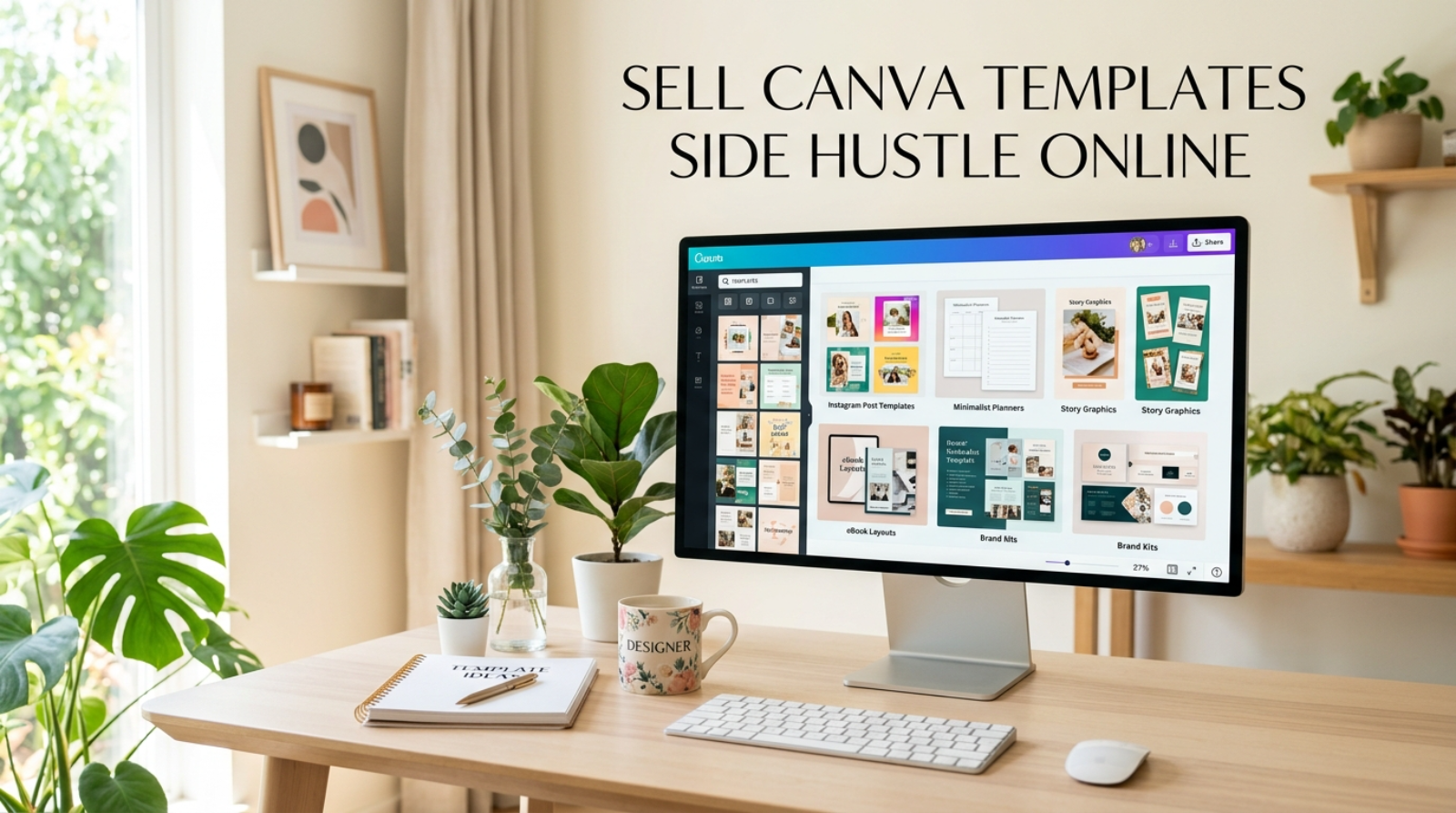
Sell Canva templates side hustle is one of the easiest ways to turn creative ideas into extra income from home. You don’t need expensive equipment or years of design experience to begin. If you’re tired of stretching every paycheck or looking for a flexible way to earn online, creating digital templates can fit around your current schedule. One well-designed template can continue earning long after you finish creating it.
Our site also includes a convenient Copy Button that lets you instantly copy and share your favorite tip with one click. Save ideas for your next work session or send helpful advice to a friend who wants to start earning online. Furthermore, sharing practical tips makes learning faster and keeps useful information close whenever inspiration strikes.
Sell Canva Templates Side Hustle: What It Is
A sell Canva templates side hustle involves creating editable digital templates that customers can customize for their own needs. Instead of shipping physical products, you sell downloadable template links that buyers edit using Canva.
Popular products include:
- Instagram post templates
- Pinterest pin designs
- Business presentations
- Resume templates
- Printable planners
- Budget trackers
- Wedding invitations
- Social media kits
- Restaurant menus
- Business flyers
After creating a template once, you can continue selling it repeatedly without rebuilding the design every time.
Why It’s Relevant in 2026
Businesses, content creators, teachers, and freelancers need affordable design resources every day.
Similarly, many buyers prefer ready-made templates because they save time and reduce design costs. This growing demand creates opportunities for beginners willing to build a helpful collection of digital products.
Reasons this side hustle continues growing include:
- Low startup costs
- Flexible working hours
- No inventory to manage
- Worldwide customer reach
- Digital products can sell repeatedly
- Easy to expand into new niches
Furthermore, adding fresh templates regularly helps increase your visibility and encourages repeat customers.
What You Need to Start
Starting this side hustle is simpler than many people expect.
Essential Tools
You’ll need:
- Laptop or desktop computer
- Stable internet connection
- Canva account
- Email address
- Cloud storage
- Basic file organization
Most beginners already have nearly everything required.
Helpful Skills
You don’t need professional design experience.
Instead, focus on improving these practical skills:
- Simple graphic design
- Typography basics
- Color coordination
- Creativity
- Organization
- Attention to detail
Each new template naturally improves your confidence and speed.
Startup Budget
Many successful sellers begin using free resources before purchasing premium graphics or subscriptions.
Invest gradually as your product library grows.
Pick One Product Category First
Avoid creating random products for every audience.
Instead, choose one niche such as planners, business templates, social media graphics, or resumes. Building a focused collection makes your shop look more professional and helps customers recognize your style.
Step-by-Step Guide to Build a Sell Canva Templates Side Hustle
Building a profitable template shop takes consistency more than perfection.
Step 1: Choose a Profitable Niche
Start with one audience instead of creating templates for everyone.
Popular niches include:
- Small business marketing
- Real estate
- Fitness coaches
- Teachers
- Wedding planning
- Content creators
- Finance and budgeting
- Beauty businesses
- Online coaches
- Job seekers
A focused shop attracts the right customers more quickly.
Step 2: Research Popular Templates
Study successful listings on digital marketplaces.
Pay attention to colors, layouts, fonts, and customer reviews. Furthermore, notice recurring complaints and create templates that solve those problems.
Step 3: Create Easy-to-Edit Designs
Keep every template simple and organized.
Use readable fonts, consistent spacing, and editable elements. Test each design before publishing to ensure customers can customize everything smoothly.
Step 4: Create High-Quality Product Listings
Your listing often sells the template before customers open it.
Include:
- Clear preview images
- Product features
- Template dimensions
- Editing instructions
- What buyers receive
Professional previews help increase customer confidence.
Step 5: Publish and Promote
Upload your templates to trusted digital marketplaces or your own website.
Similarly, share preview graphics on Pinterest and social media platforms where buyers search for design inspiration.
Step 6: Grow Your Template Library
One template rarely creates steady income.
Continue publishing matching products and themed bundles. Consequently, your store becomes more valuable to both new and returning customers.
Realistic Earning Range
Income depends on product quality, consistency, marketing, customer demand, and the size of your template collection.
Honest Monthly Estimates
| Experience Level | Estimated Monthly Income |
|---|---|
| Beginner | $100–$500 |
| Intermediate | $500–$2,000 |
| Established Seller | $2,000–$6,000+ |
These figures are realistic estimates, not guarantees. Consistent publishing and solving real customer needs usually produce better long-term results.
Common Beginner Mistakes and Why They Happen
Avoiding common mistakes saves time and improves customer satisfaction.
Creating Too Many Random Products
Many beginners jump between unrelated niches.
Instead, build authority in one category before expanding.
Ignoring Customer Experience
Complicated templates frustrate buyers.
Keep editing simple and include clear instructions with every purchase.
Weak Preview Images
Excellent templates deserve excellent previews.
Invest time creating attractive mockups that highlight important features.
Publishing Inconsistently
Uploading one product every few months slows growth.
A regular publishing schedule helps your shop remain active and visible.
Forgetting Customer Feedback
Reviews often reveal what buyers want next.
Use suggestions to improve existing templates and inspire future products.
Pro Tips and Shortcuts
Small improvements often produce better long-term results.
Sell Template Bundles
Group similar templates into bundles.
Customers usually see greater value and spend more per purchase.
Design for Seasonal Events
Create templates for holidays, graduations, weddings, and business promotions.
Seasonal collections can generate additional sales throughout the year.
Organize Every File
Use clearly labeled folders for templates, graphics, fonts, and previews.
Consequently, updating products becomes much faster.
Improve Your Best Sellers
Don’t leave successful products untouched.
Refresh layouts, colors, and bonus pages regularly to keep listings competitive and encourage repeat buyers.
Frequently Asked Questions
Is a sell Canva templates side hustle good for beginners?
Yes. Many beginners start with simple social media templates, planners, or resume designs. Focus on creating helpful products and improve your skills with every new listing.
Where can I sell Canva templates?
You can sell templates through digital marketplaces, your own website, or online stores that support digital downloads. Choose one platform first and build a solid collection before expanding.
How many templates should I create before expecting sales?
Aim to publish 15–30 quality templates. A larger product library gives shoppers more choices and helps your store appear more established.
Do I need Canva Pro to start?
No. Many beginners begin with the free version of Canva. As your shop grows, upgrading can provide additional design features and assets, but it isn’t required on day one.
Conclusion
A sell Canva templates side hustle offers a practical way to earn extra income by creating digital products people genuinely need. With a laptop, creativity, and consistent effort, you can build a growing collection of templates that continues working long after each design is finished.
Stay focused on one niche, listen to customer feedback, and improve your products over time. Small, steady progress usually creates stronger results than trying to launch dozens of unrelated designs at once.
If this guide helped you, use our Copy Button to save or share your favorite tip. A single idea copied today could become the starting point for your next successful online side hustle.

Grant Sabatier is a content writer and personal finance specialist at Earnonic, creating practical content about side hustles, online earning, passive income, and smart money habits. His articles simplify complex financial topics into actionable advice, helping readers build sustainable income streams, grow their financial confidence, and make informed decisions through clear, research-backed guidance.